

Why need an onboarding screen in the app?
Onboarding screens in apps introduce features, familiarize users, set expectations, promote engagement, personalize experiences, build trust, and reduce churn.
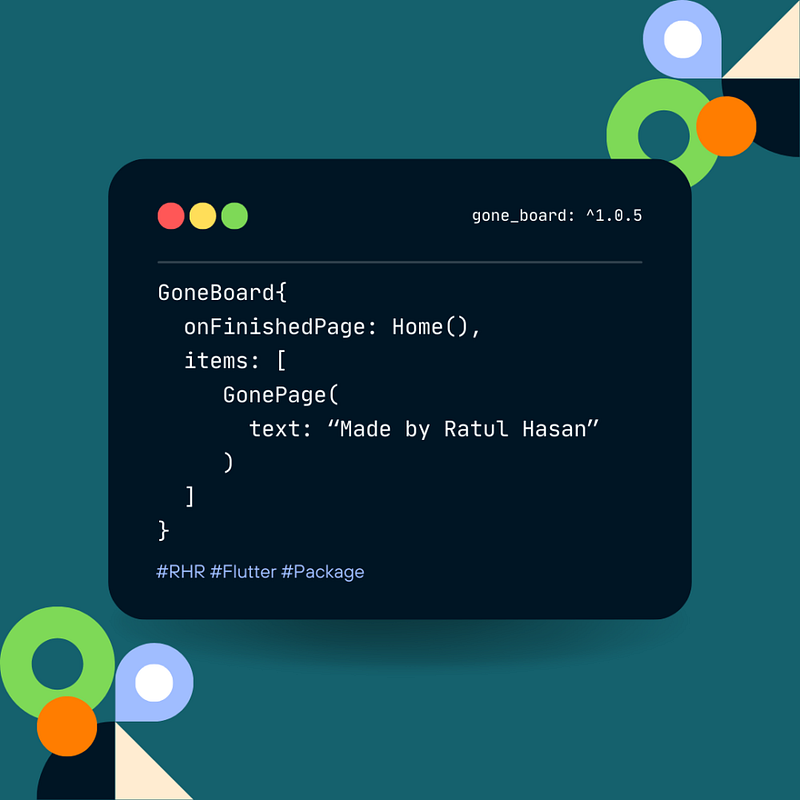
gone_board
https://pub.dev/packages/gone_board
Easily add On-Boarding with some lines of code:-
Add this package:
dependencies:
  gone_board: ^1.0.5
And here is the screen-
Scaffold(
        body: GoneBoard(
            pageController: pageController,
            onFinishedPage: DemoHome(),
            items: [
              GonePage(
                image: 'assets/1.png',
                text: 'Welcome to GoneBoard',
                color: Colors.blue,
                context: context,
              ),
              GonePage(
                image: 'assets/2.png',
                text: 'GoneBoard is a Flutter package',
                color: Colors.red,
                context: context,
              ),
              GonePage(
                image: 'assets/3.png',
                text: 'For simplify the task.',
                color: Colors.green,
                context: context,
              ),
            ]),
      ),
    );
And that’s all…


 The Human Side of Code
Leave a comment